Here’s something our consultants heard from a client recently:
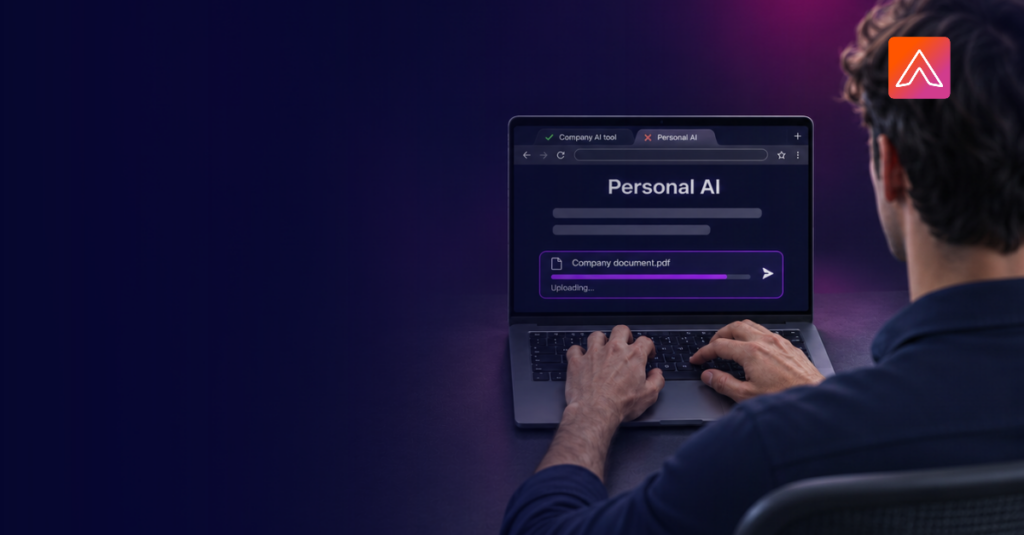
“We tried to point our company’s AI assistant at a SharePoint document. It didn’t work, or the answers weren’t accurate. So I downloaded the information and uploaded it to my own AI tool.”
No one in that story was trying to break a rule. They had a job to do, the approved tool didn’t do it, and a better one was a few clicks away.
But a company document now sits in an outside tool, under terms the company never reviewed. No one there can see it, log it or get it back.
That’s shadow AI. In our experience, it almost always starts the same way: the approved tool falls short at something specific, and people find a tool that doesn’t.
Shadow AI is a tool problem first
Shadow AI is widespread. In a 2025 Gartner survey of 302 cybersecurity leaders, 69% said they suspect or have evidence that employees are using prohibited public AI tools. Gartner predicts that by 2030, more than 40% of organizations will have security or compliance incidents tied to unauthorized AI.
The usual response is a stricter policy. But most people working around the approved tool already know the policy. They’re choosing the tool that gets the job done, and a stricter policy doesn’t change that.
To bring AI use back to the approved tool, you have to fix the reasons people work around it. Three come up most often in our conversations with clients.
1. The approved tool can’t work well with company data
The SharePoint story is the most common version of shadow AI we hear, and the riskiest. When the approved tool can’t reach company data, or can’t give accurate answers from it, people move the data to a tool that can.
That defeats the purpose of having an approved tool. The documents people most need answers from are often the most sensitive ones, and they end up in the least controlled place.
What fixes it: AI that connects directly and safely to the documents and systems people already use, with the permissions they already have. If the approved tool gives good answers from company data, there’s no reason to download anything.
2. People prefer a different AI
“Our company rolled out one AI assistant, but we really liked another one, so we work around it.”
AI tools aren’t interchangeable. People notice differences in writing quality, reasoning and how well a tool handles their kind of work. Many have already picked a favorite on their own. When a company standardizes on one assistant, the people who prefer another often keep using it on a personal account.
There’s no single assistant everyone will prefer, so choosing a better one only moves the problem.
What fixes it: a choice of AI models inside the approved environment. People can use the model they prefer without taking company work somewhere else.
3. Their AI already knows them
“My AI knows my PowerPoint preferences, my voice, the type of work I do. I don’t want to lose that.”
This one is easy to overlook. Someone who has used a personal AI tool for months has taught it how they write, how they like their slides and what their role involves. Switching to the approved tool means starting from zero, and few people will trade a tool that knows them for one that doesn’t.
What fixes it: memory in the approved tool at three levels:
- Individual: it learns how each person works.
- Team: shared context and conventions carry across the group.
- Company: everyone starts with what the organization already knows.
With that in place, switching becomes an upgrade instead of a reset.
What this means for your AI strategy
None of these drivers is about rules. People leave the approved tool because it can’t work with their data, isn’t the AI they prefer, or doesn’t know them. A stricter policy won’t change any of that. A better approved option will.
Before your next policy update, ask three questions about the AI tool you’ve rolled out:
- Can it give accurate answers from the documents and systems people use every day?
- Can people use the AI models they prefer without leaving the approved environment?
- Does it remember how each person, each team and the company work?
If the answer to any of them is no, that’s where your shadow AI is coming from.
Why we built AnthmAI
AnthmAI is built around these three drivers:
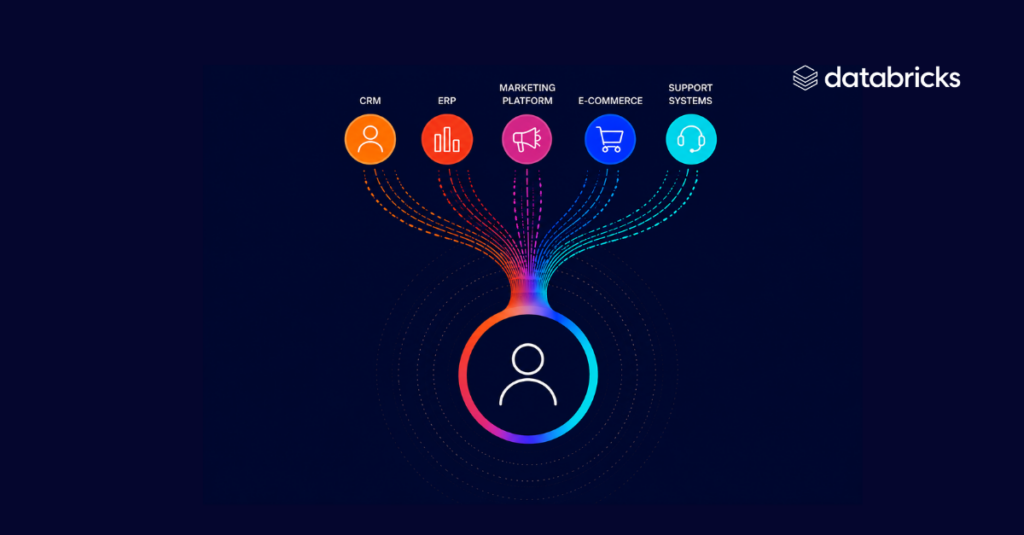
- Company data: It connects AI to your company’s documents and systems, using the permissions you already have in place.
- Choice: It gives people a choice of AI models in one approved place.
- Memory: It remembers how each person, each team and the company work.
It also runs in your own cloud environment, inside the security and governance controls you already have. AI activity is logged in your environment and can flow into the SIEM your security team already uses, so AI use is monitored alongside everything else. When people bring their real work into AnthmAI, company data stays where it belongs instead of being downloaded and uploaded somewhere else.
If you’d like to see how that would work for your team, let’s talk.